Join the lesson
Use a phone, tablet or laptop. You don't need an account.
-
1
Go to octodecks.app
Type it into any web browser, or scan the code.

-
2
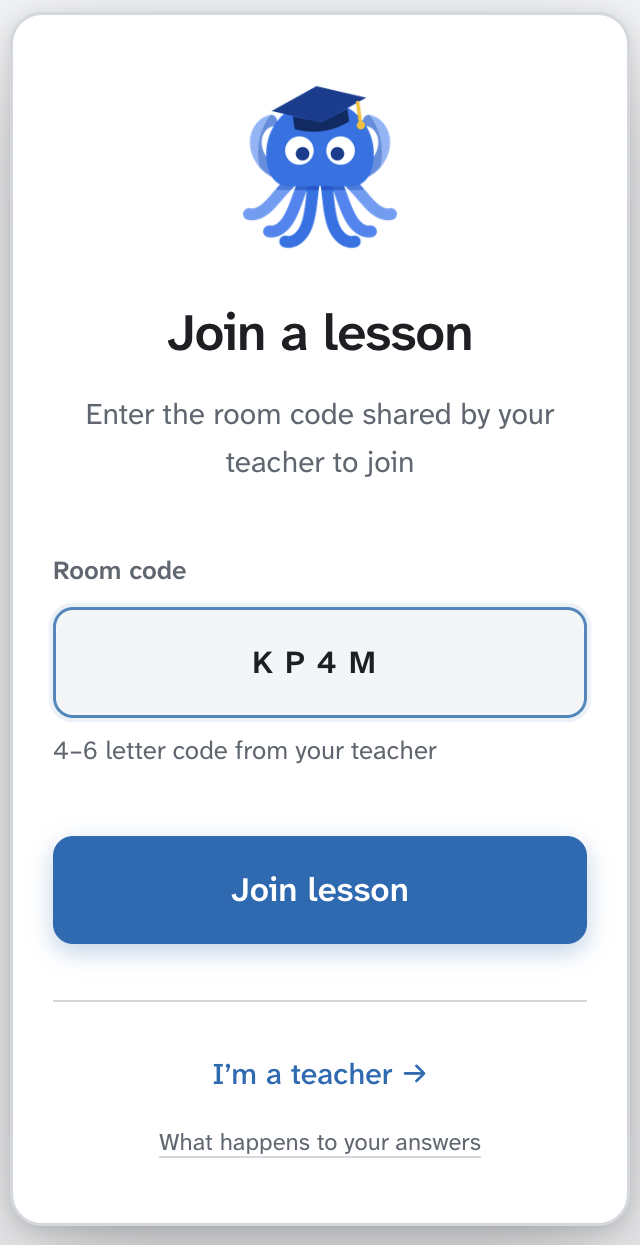
Type the room code
It's on the board. Then tap Join lesson.
-
3
Remember your number
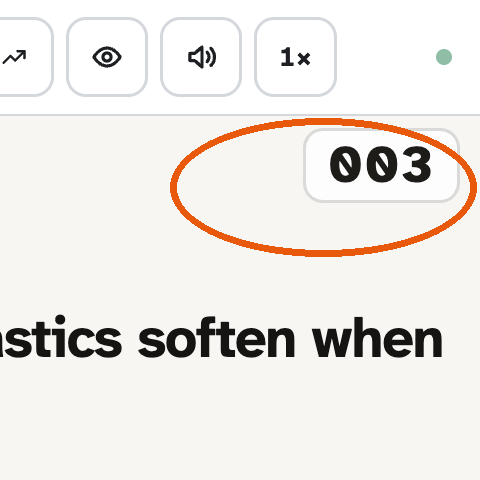
You get a number like 003 for this lesson. Your teacher sees your number, not your name.