Tutorials

How-to guides

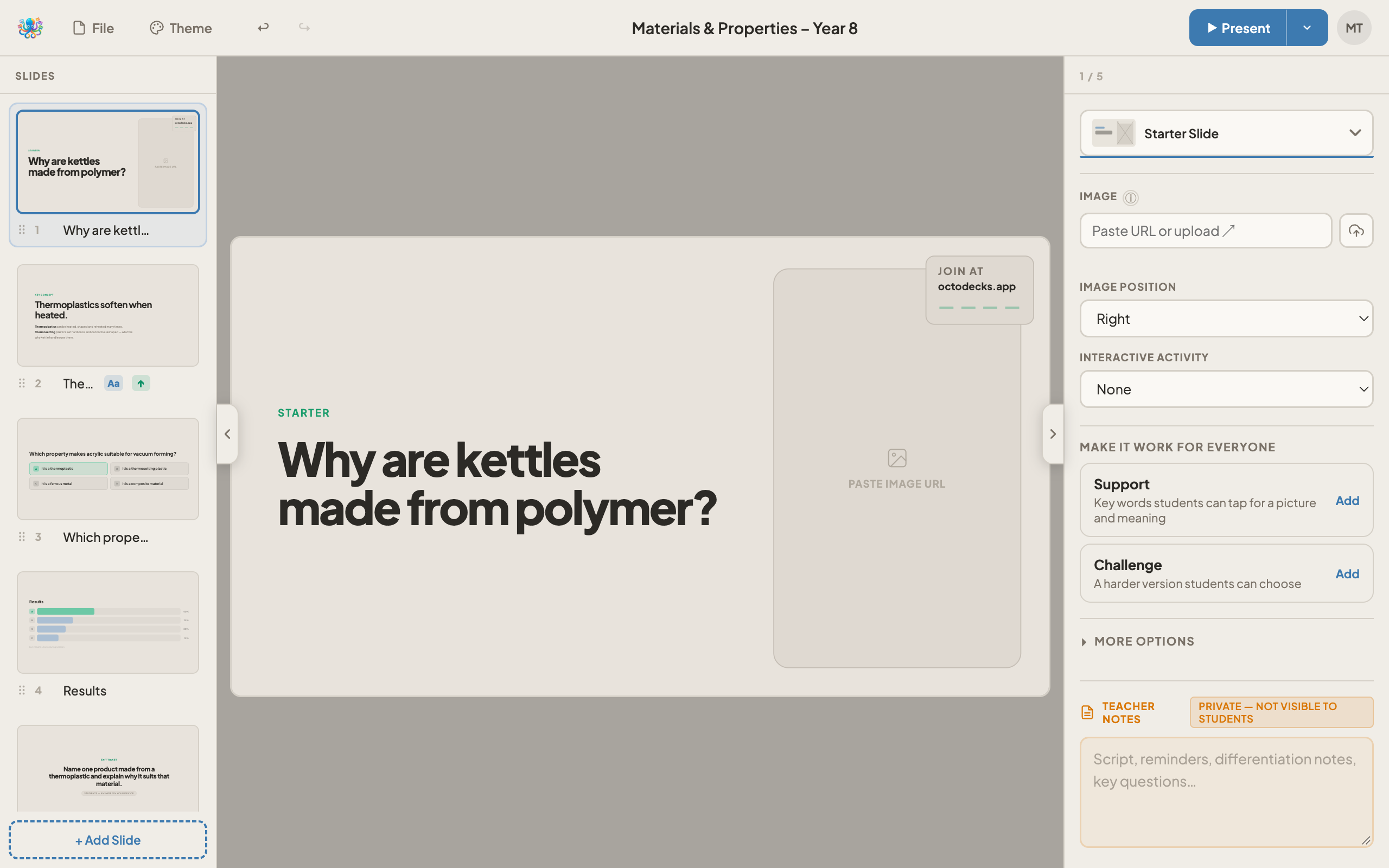
Short, focused walkthroughs covering every part of OctoDecks, from building your first deck to running a live adaptive lesson. Step-by-step guides with screenshots, with videos to follow.

Step-by-step guide
Getting started
Building your first deck
A complete walkthrough of the OctoDecks editor: adding slides and live activities, setting support and challenge versions, and getting ready for a live lesson.
13 steps · ~10 min read
Step-by-step guide
Live sessions
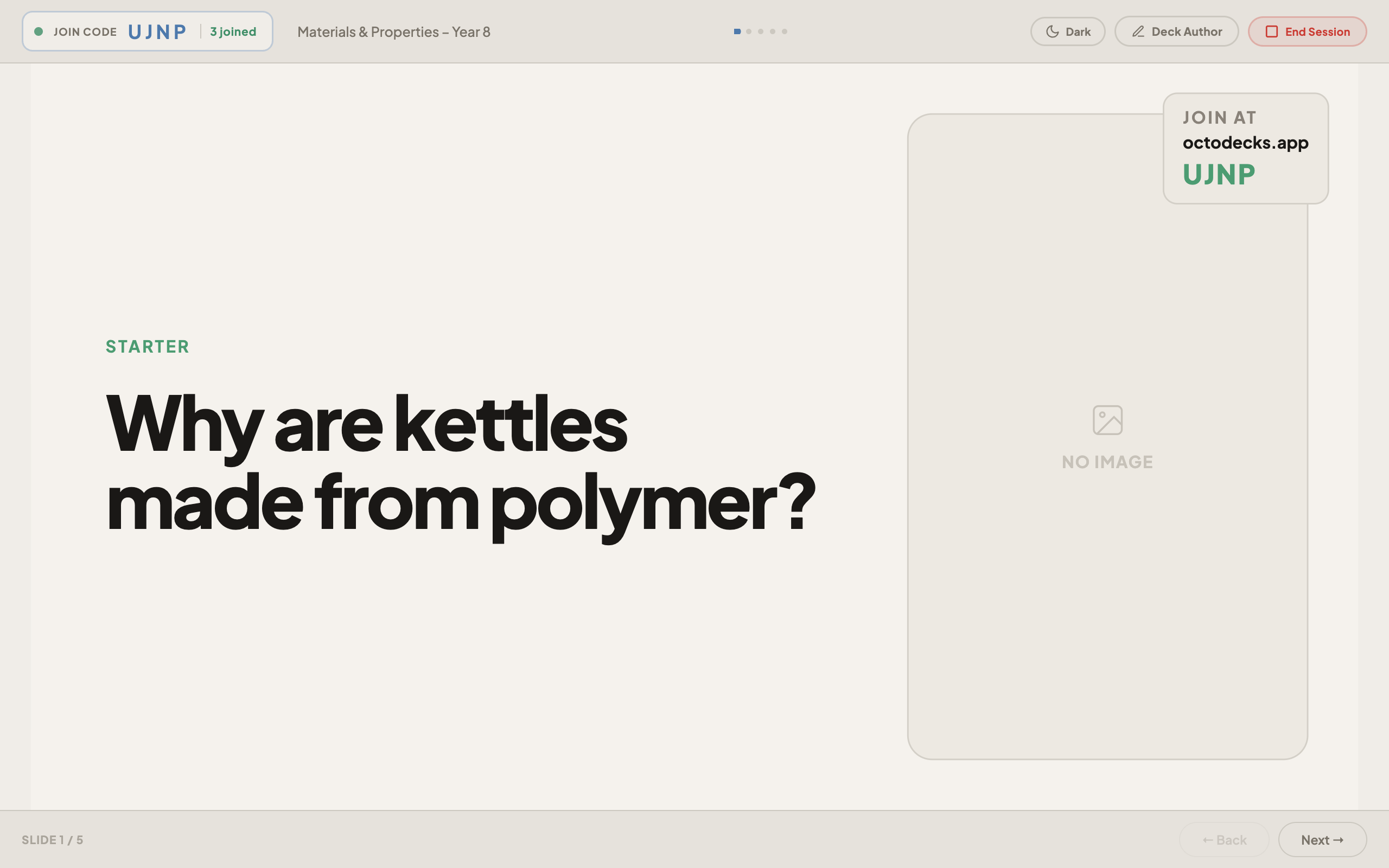
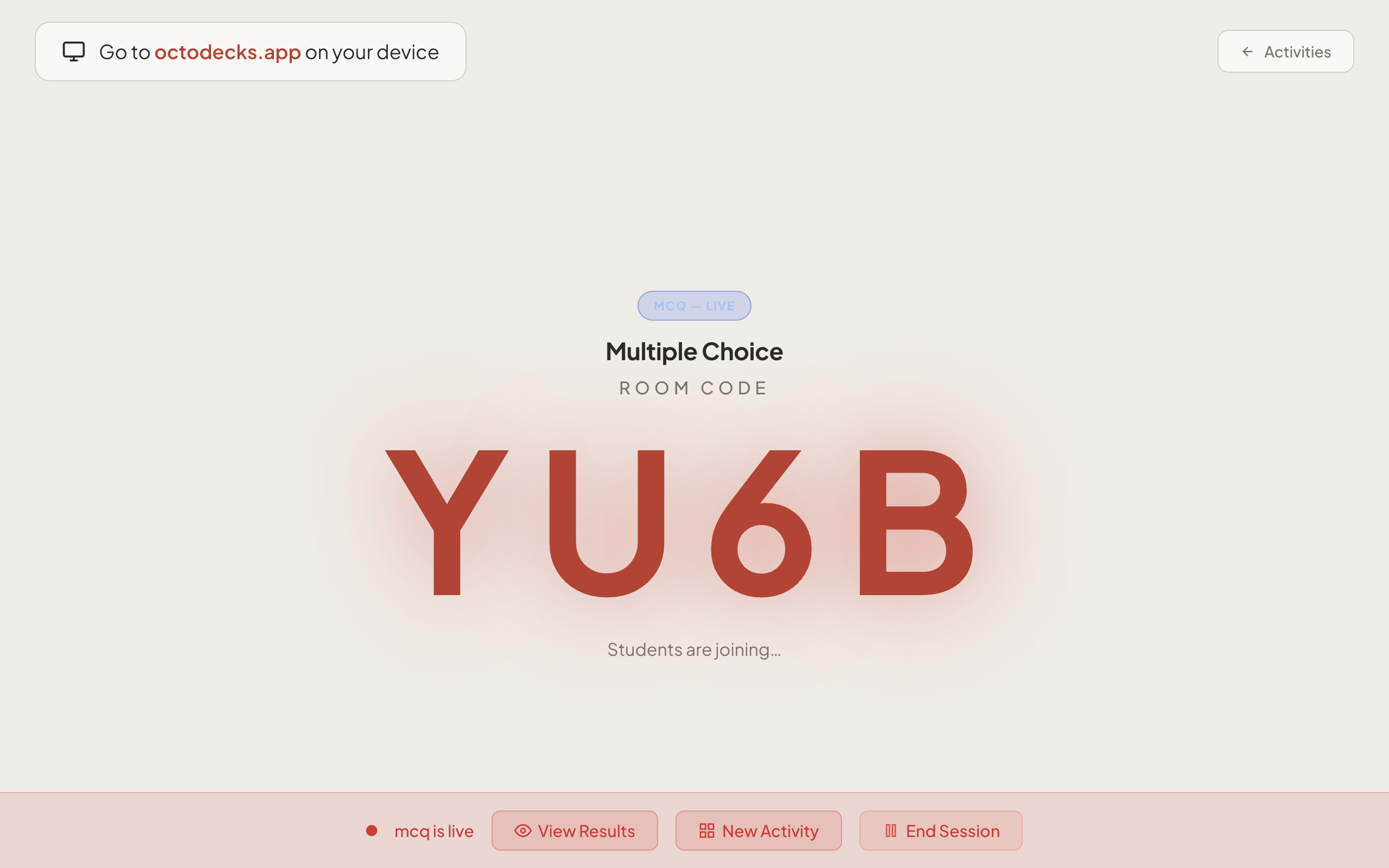
Running a live lesson
How to go live, share your room code, move through slides, run quizzes and exit tickets, and read live results on the teacher board.
10 steps · ~8 min read
Step-by-step guide
Teaching live
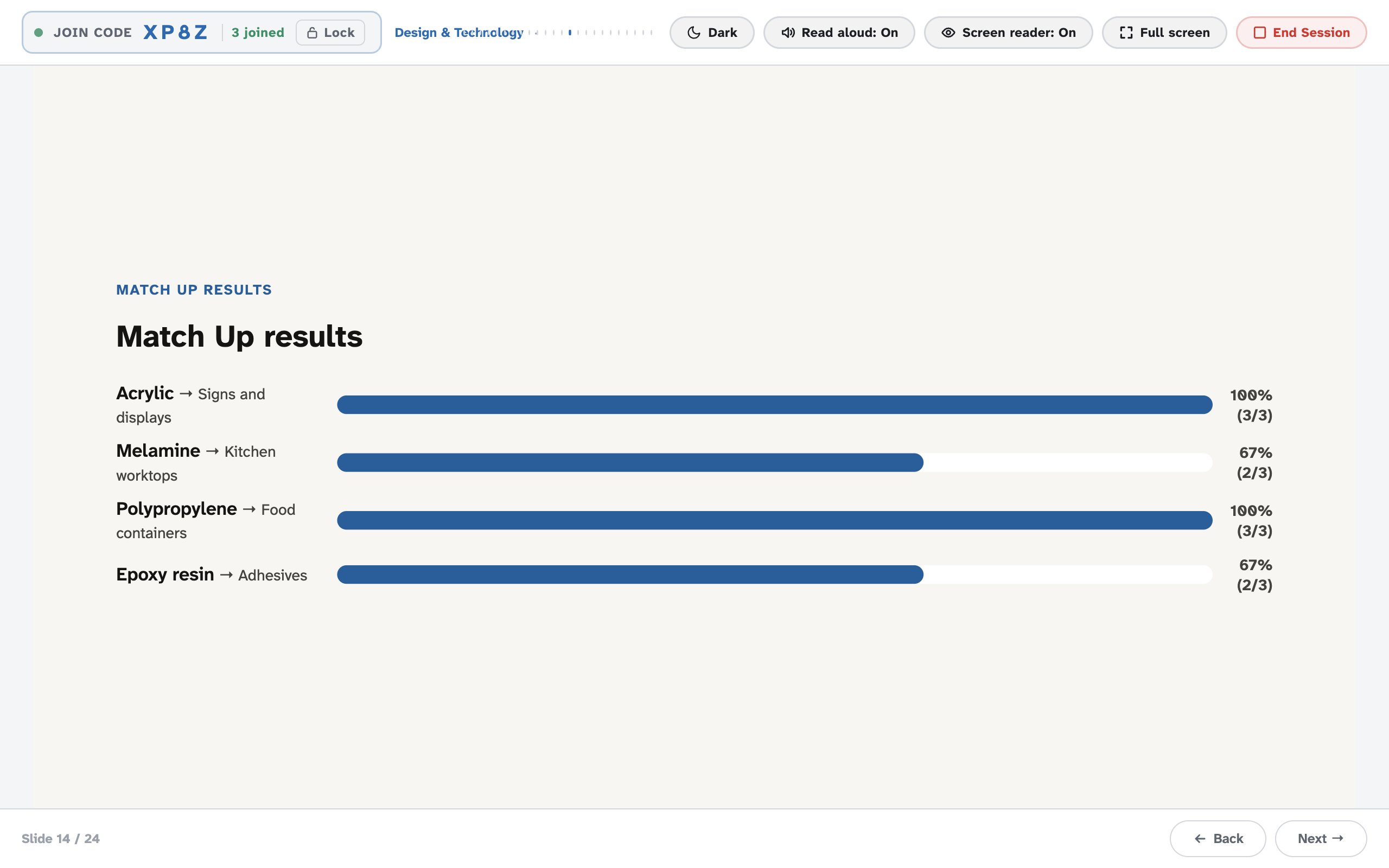
Choosing and running live activities
Which activity slide to use when, and how each runs: Word Cloud, Poll, Match Up, Card Sort, Odd One Out, Fill in the Gaps, Label the Diagram and more.
12 steps · ~12 min read
Step-by-step guide
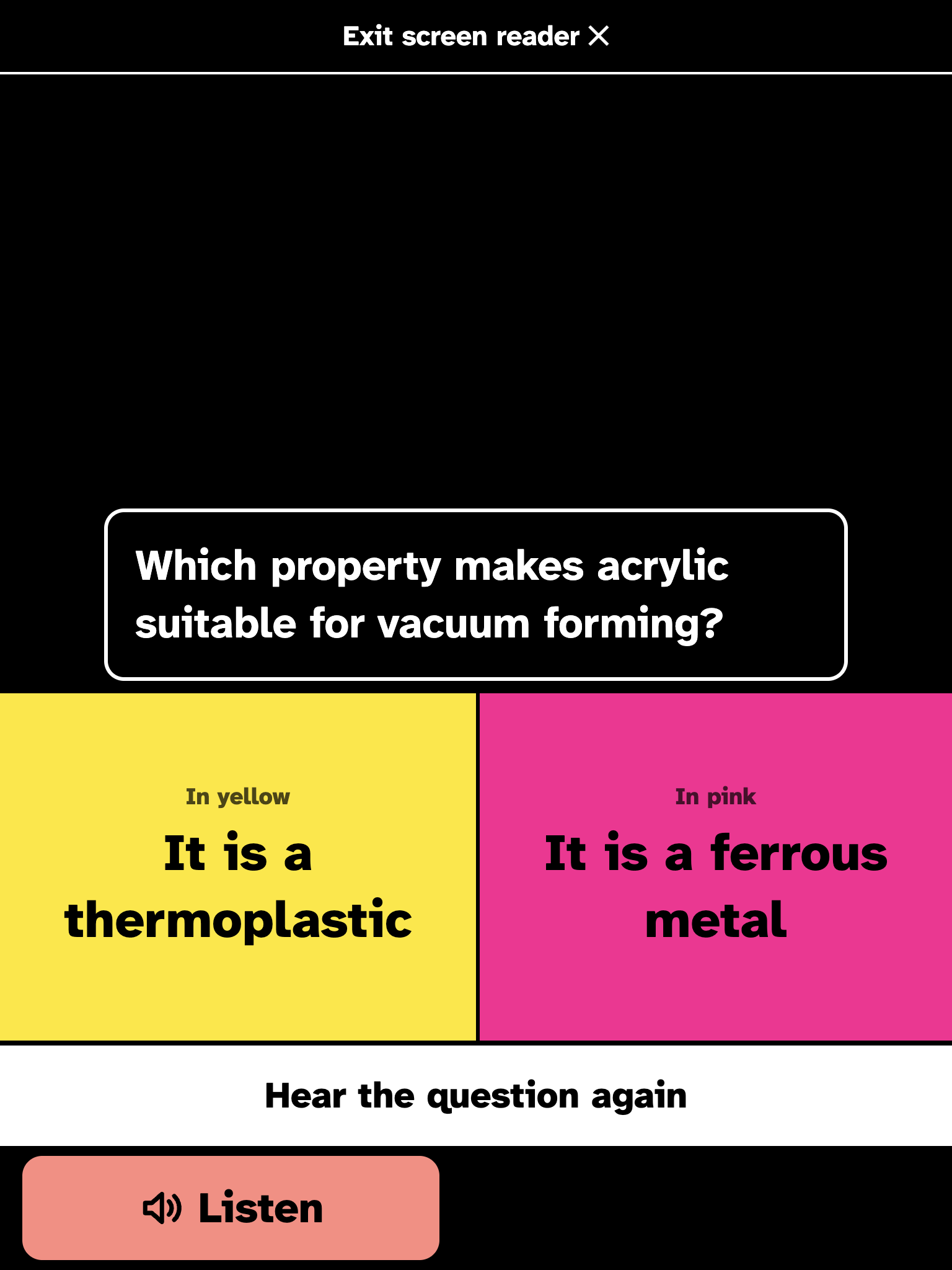
Adaptive teaching
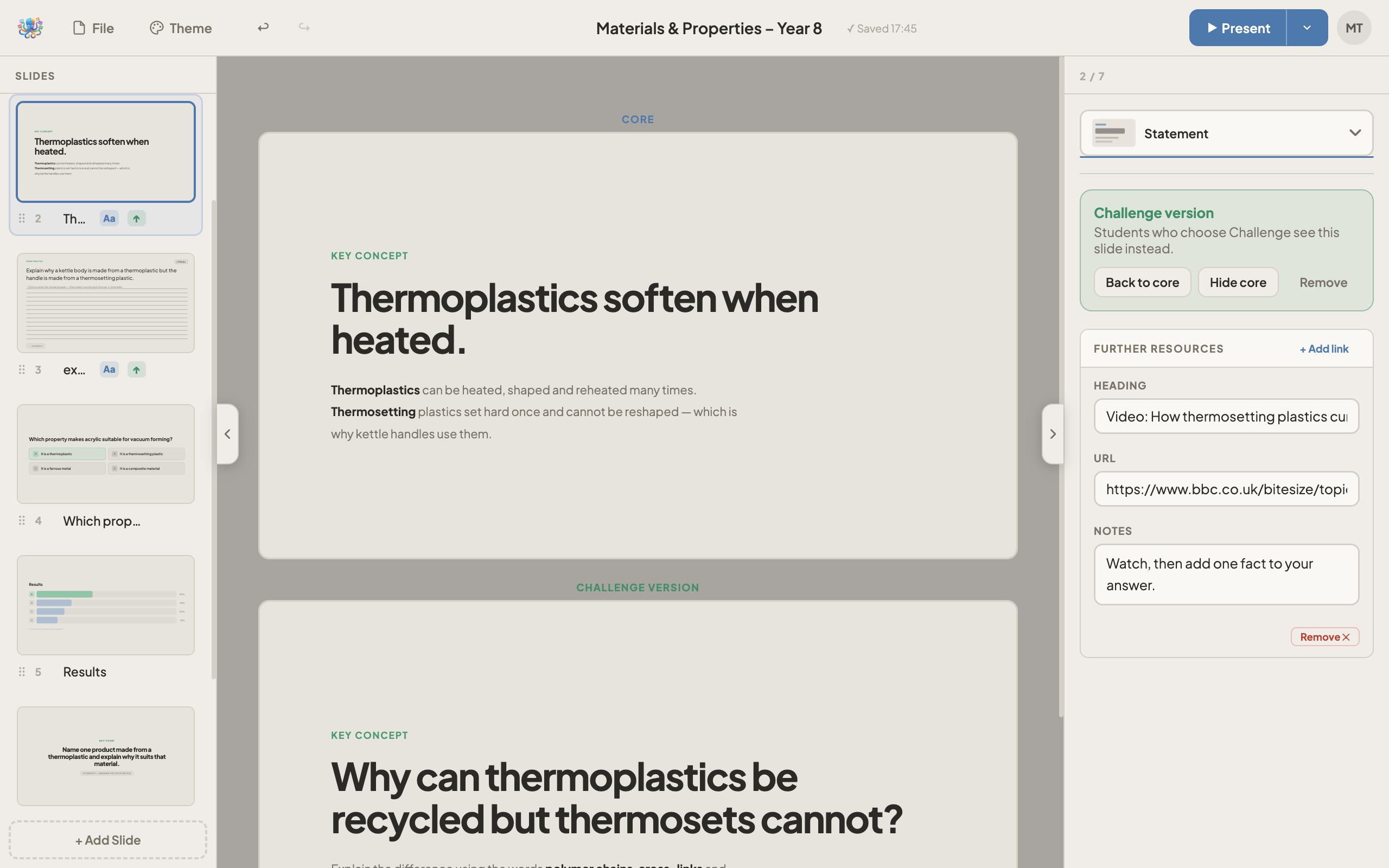
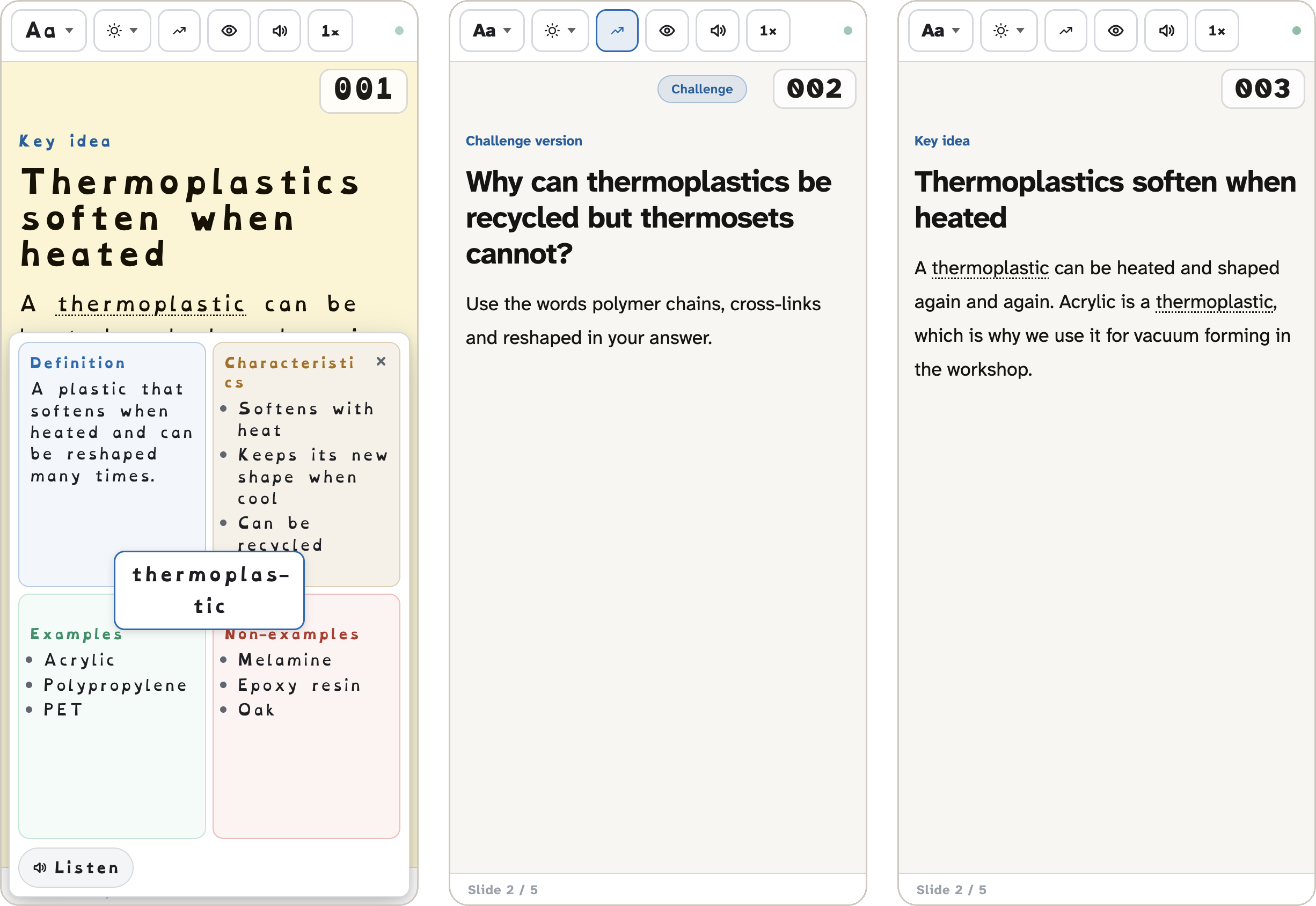
Core and extended content
How to add Support (key words and sentence starters) and Challenge versions to any slide, and how students choose them during a live lesson.
10 steps · ~7 min read
Step-by-step guide
Adaptive teaching
One lesson for every learner
Teach a class with dyslexia, ADHD and visual impairment from one deck: reading settings, read aloud, screen reader mode, support and challenge.
9 steps · ~10 min read
Step-by-step guide
Adaptive teaching
Quiet support: help only the student sees
Key words, Keyword Models, read aloud, reading settings, gap help and challenge, opened on each student's own device without the class knowing.
11 steps · ~8 min read
Step-by-step guide
Interactive Sessions
Standalone sessions with CSV
How to open any Interactive Session, upload a CSV with your own questions, share the code and run it without a full deck. Includes a CSV format reference.
9 steps · ~5 min read
Step-by-step guide
Worksheets
Generating a student worksheet
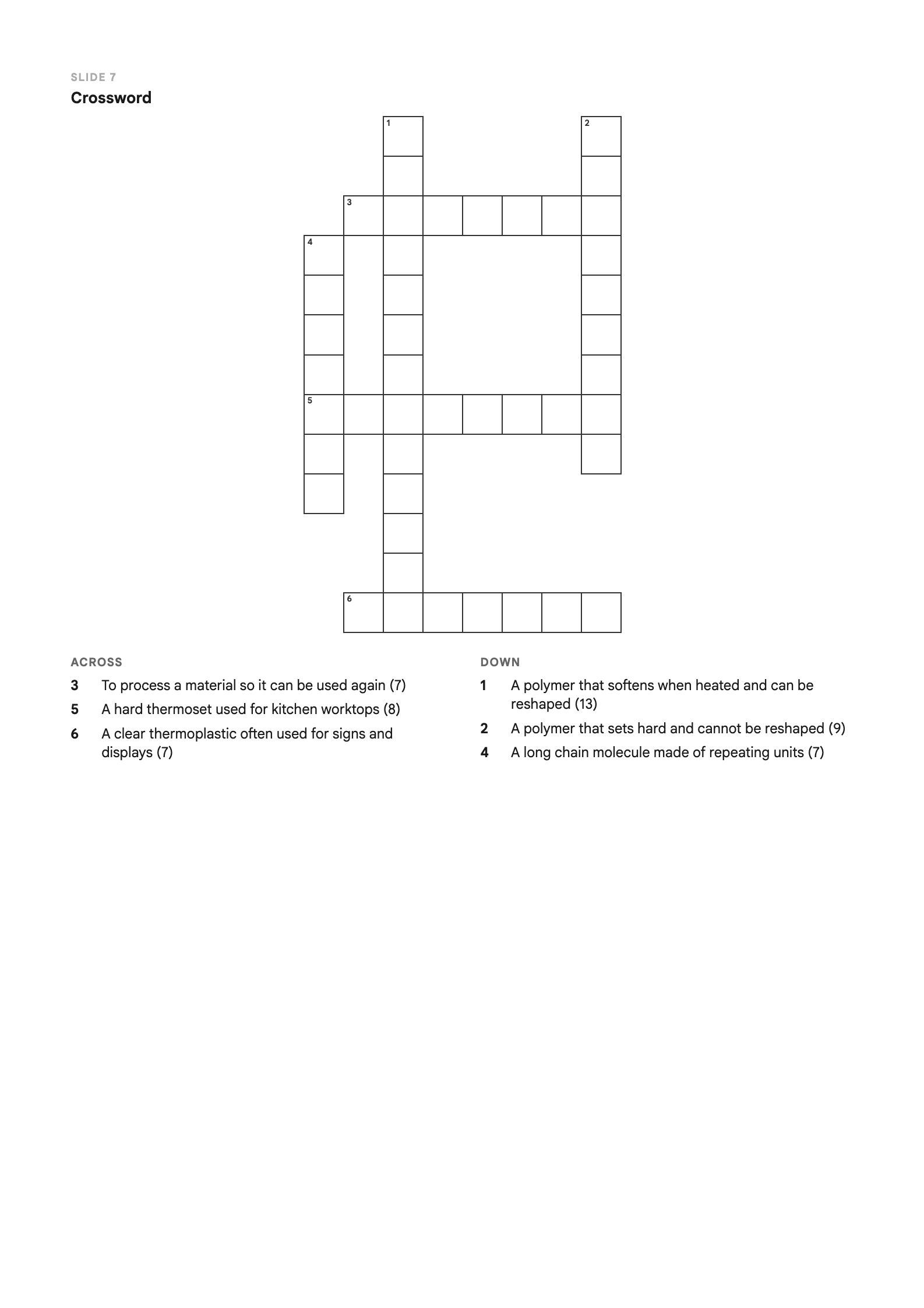
Turn your deck into a printable worksheet on A4, A5 or as an A6 notebook, with a crossword built from your key words, and PDF or PowerPoint export.
9 steps · ~6 min read
Step-by-step guide
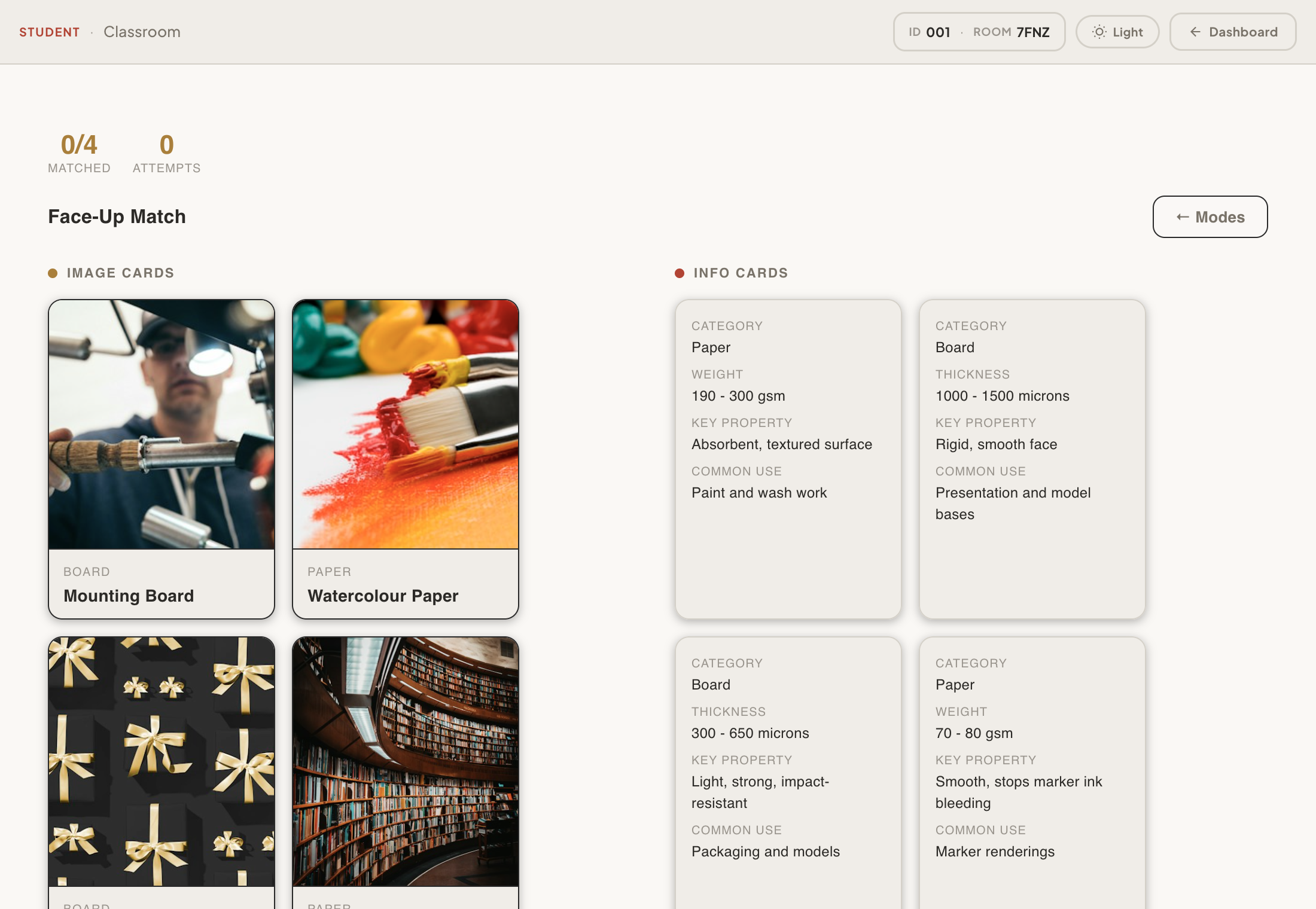
Card Match
Running Card Match in class
Write a card CSV with pictures and facts, then run all four game modes: Paired Deck, Face-Up Match, Face-Down Pairs and Sort Match.
9 steps · ~6 min read
Step-by-step guide
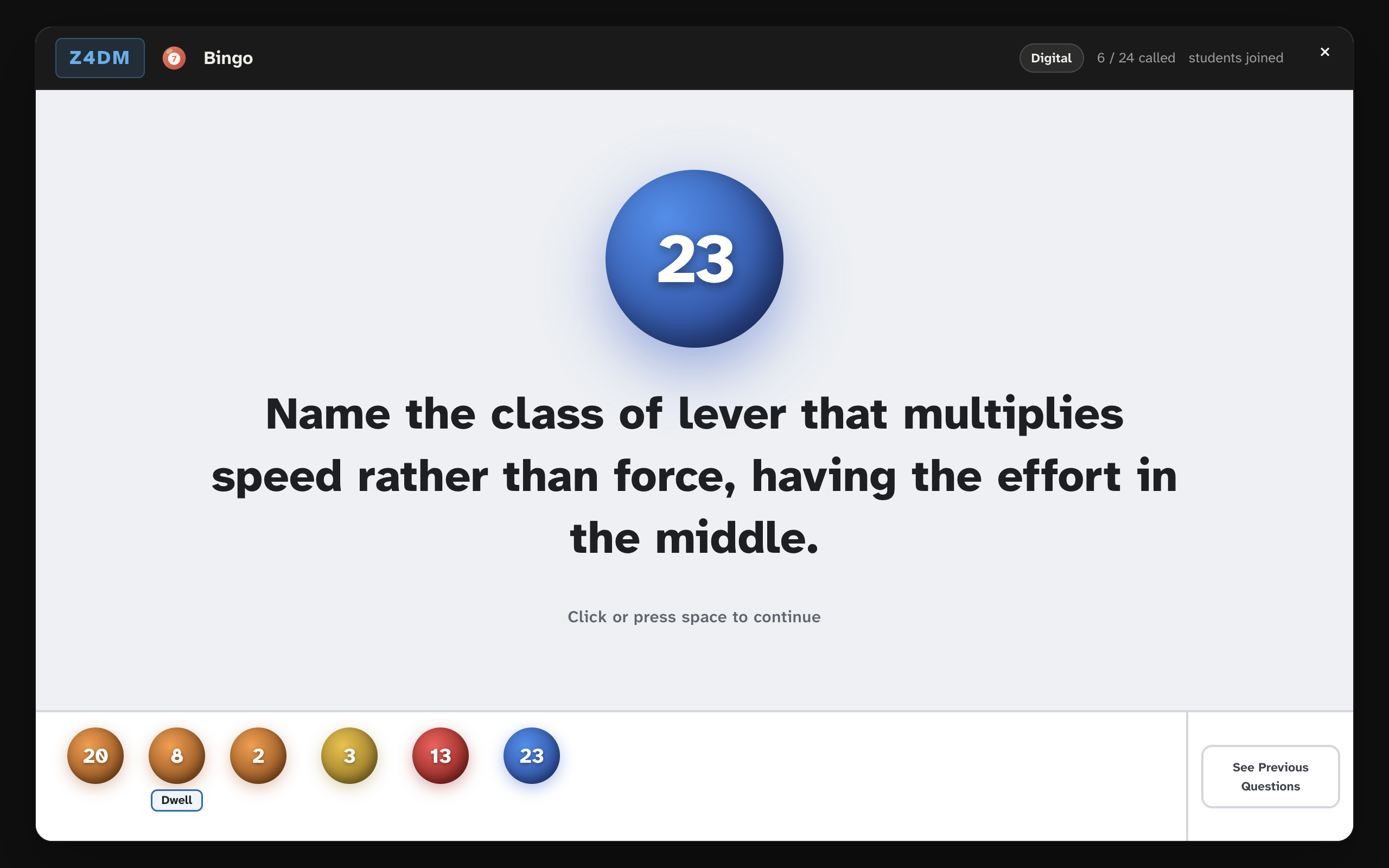
Games
Running Bingo in class
Turn your key words into bingo balls. Write a keyword and question CSV, choose paper or digital cards, roll on the board and check a claim.
8 steps · ~5 min read
Step-by-step guide
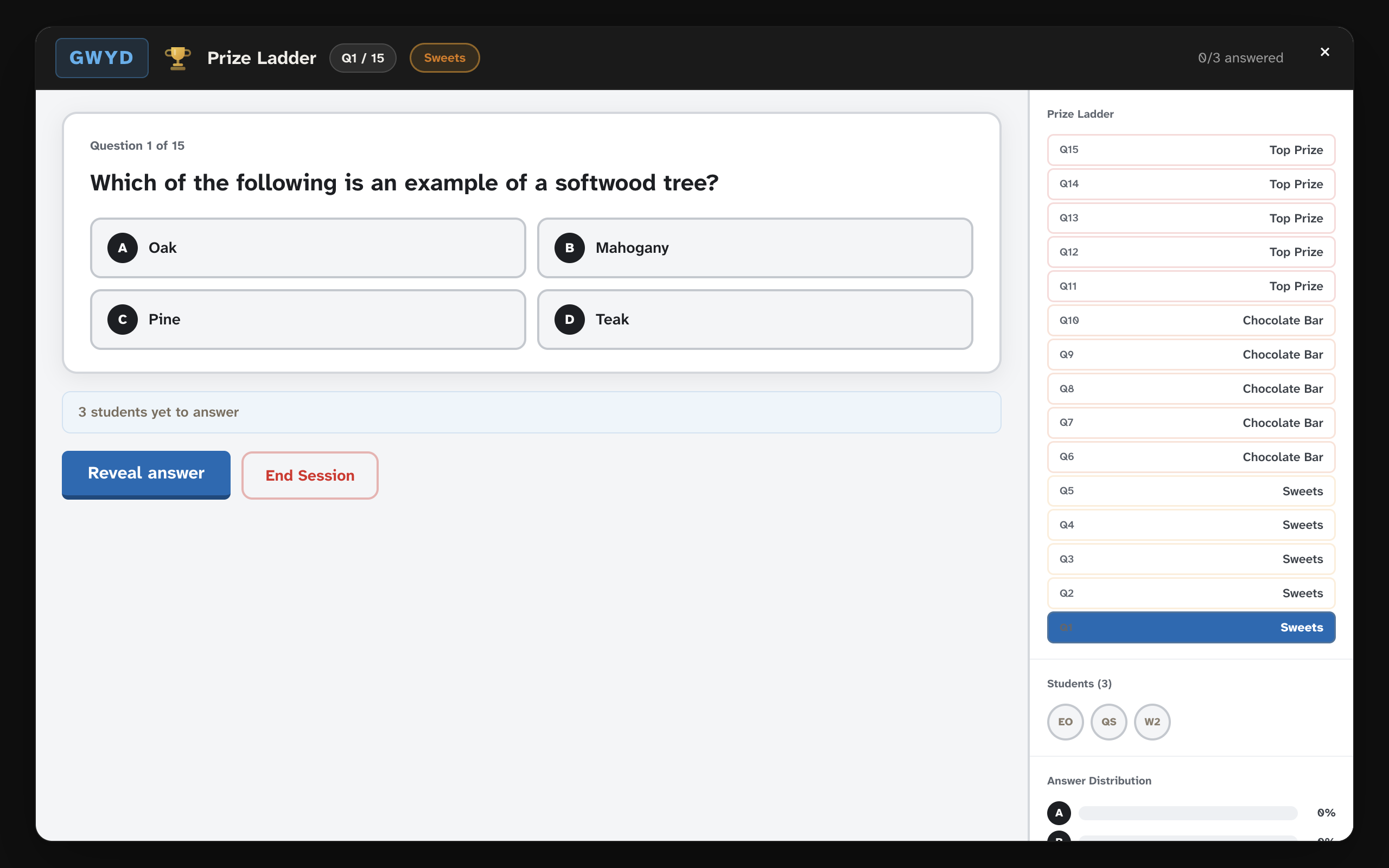
Games
Running Prize Ladder
A 15-question quiz show where nobody is knocked out. Set the prize labels, reveal answers on the board and use the three lifelines.
8 steps · ~5 min read
Step-by-step guide
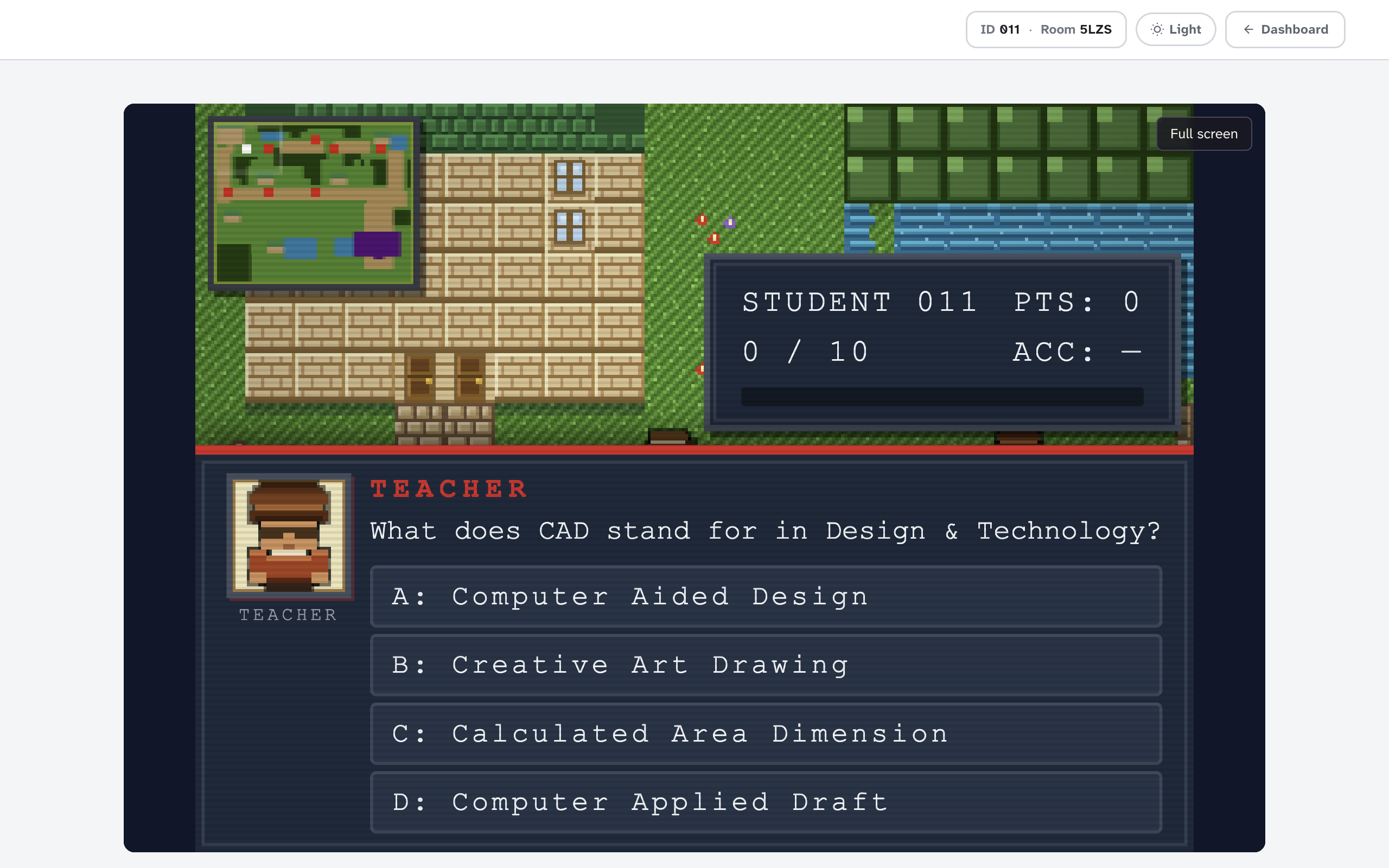
Games
Running World Explorer
An adventure map where every character asks a question. Use difficulty levels and hints, add resource links and read live class data.
8 steps · ~7 min read
Step-by-step guide
Games
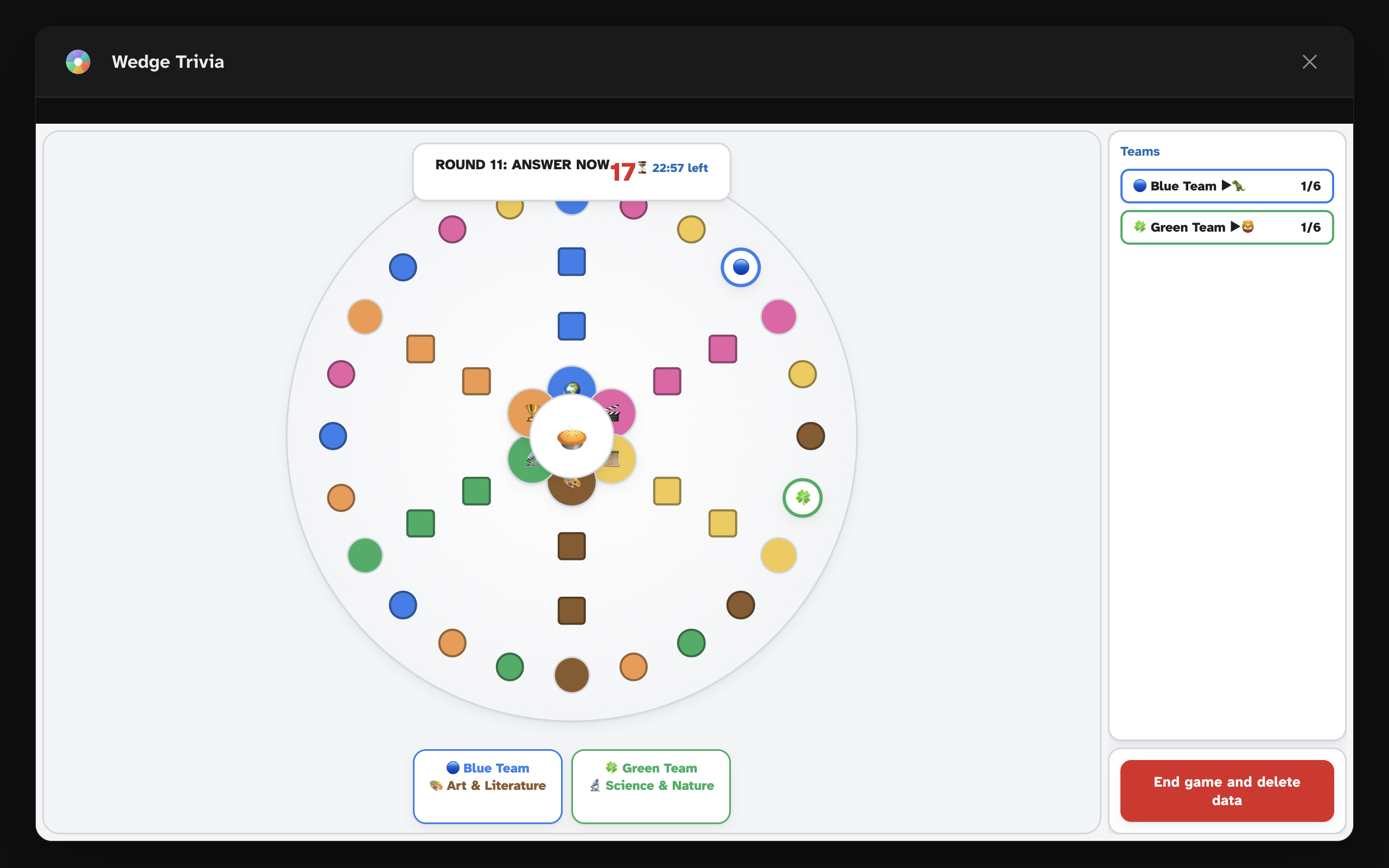
Running Wedge Trivia
A team trivia board game for up to six teams. Write six-category questions, open the board and play through to the centre.
9 steps · ~6 min read
Step-by-step guide
Games
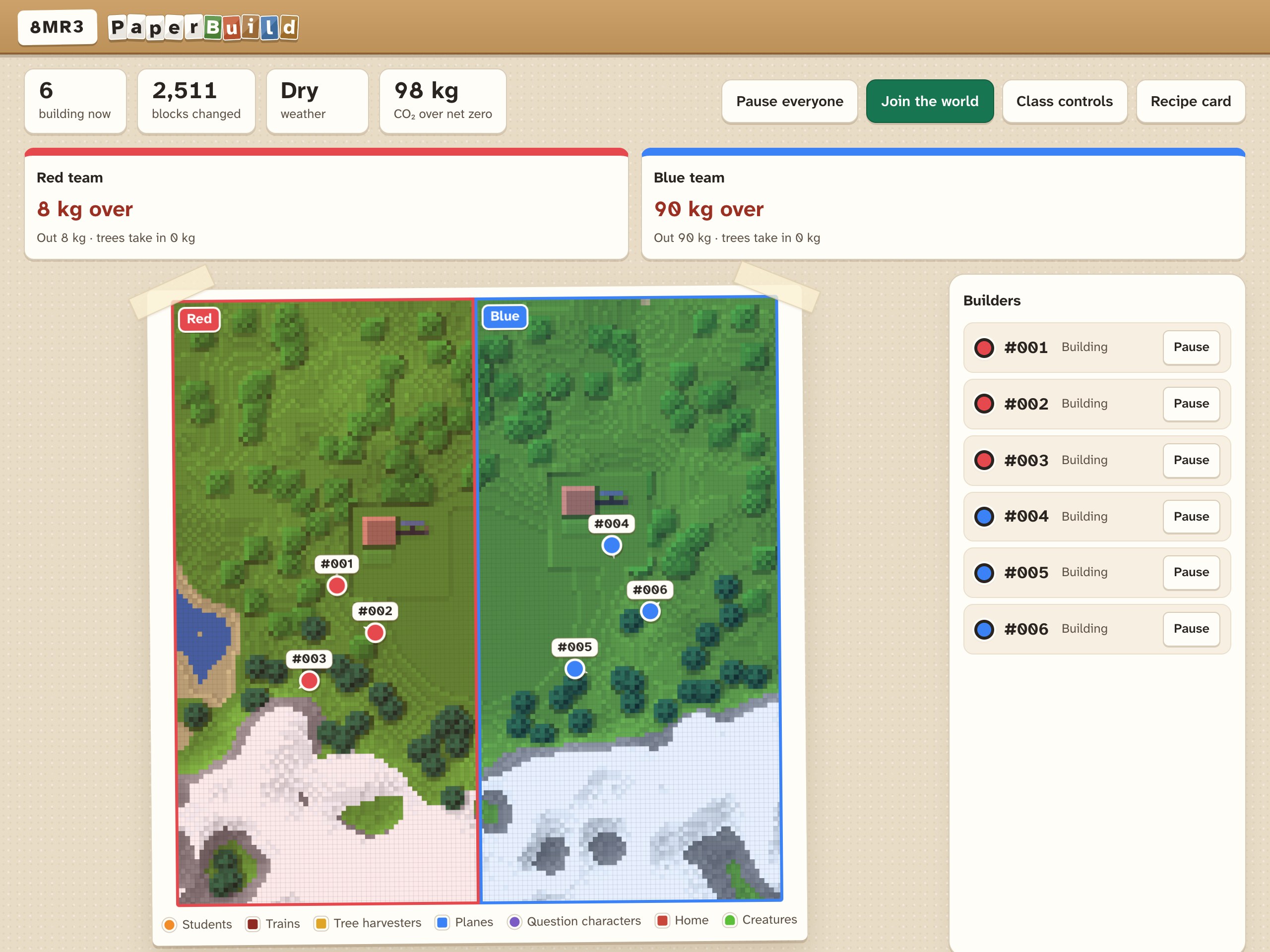
Running PaperBuild
One shared 3D paper world for the whole class. Creative, Play and Explore modes, the rules of the game, teams, the live world map and world files.
13 steps · ~12 min read
Getting started

Ready for your first lesson

For your classroom: a join poster, a one-page quick start and a short first lesson. For your school: a checklist for IT, a data protection pack and a ready-made department training session.

For students · A4 poster
How to join a lesson
Three steps with pictures: go to octodecks.app, type the room code, remember your number. Put it on the wall or show it on the board.
For teachers · One A4 page
Teacher quick start
Your first live lesson in five steps, what each button on the teacher bar does, and what students can do on their devices. Good for a department training session too.
In the app · Lesson template
First Lesson in Five Minutes
A 15-slide start to your first lesson. Students join, try the toolbar, Challenge and dotted words, then answer a quiz, a word cloud and a confidence check. In the Deck Library under Templates.
For IT technicians · Two pages
IT and network checklist
The web addresses to allow, supported devices and browsers, accounts, where decks are stored, and a five-minute test before the first lesson.
For data protection leads · Five pages
Data protection pack
A one-page summary of how student data is handled, a pre-filled data protection impact assessment (DPIA) template, and a letter for parents and carers.
For heads of department · 30 minutes
Department training session
A training deck in the app (Templates: OctoDecks in 30 Minutes) where staff join as students, then build their own starter. Trainer notes with timings and common questions.
Deck templates

Downloadable lesson decks

Pre-built OctoDecks lesson files ready to import. Open in the Deck Library, adapt the content for your class, and teach.

Coming soon
Design & Technology · KS3
Materials & Properties: Introduction
A full adaptive lesson deck covering material types, working properties and selection. Core and extended content built in, with MCQ, Match Up and Exit Ticket.
Download .octodeck
Coming soon
Computing · KS3
Programming Concepts: Variables & Loops
An adaptive computing lesson covering variables, data types, loops and conditionals. Includes Worked Example, Cloze, and Confidence Check slides.
Download .octodeck
Coming soon
Any subject · Starter template
Lesson Starter: Blank Adaptive Template
A blank lesson structure with pre-set slide placeholders: Title, Recap, Core Activity, Extended Activity, Exit Ticket. Fill in your content and go.
Download .octodeck
Interactive Session data

Ready-made CSV packs

Preview any pack to see exactly what’s in it, then download and import it into an Interactive Session. Use them as they are, or adapt them for your own subject.

How to import a CSV into an Interactive Session

1
Preview and download Click a pack below to see every question, then download the CSV to your device.
2
Open the session In OctoDecks, open Interactive Sessions and choose the matching activity (Multiple Choice, Match-Up or Card Sort).
3
Upload the file In the setup window, upload the CSV and check the questions look right. Or save it to My Library to reuse.
4
Share and run Click Start activity and share the room code. Full guide →
Multiple Choice (MCQ)
CSV
Materials & Properties
Design & Technology · KS3 · 10 questions
Download
CSV
CAD / CAM Basics
Design & Technology · KS3 · 10 questions
Download
Match Up
CSV
Materials → Categories
Design & Technology · KS3 · 10 pairs
Download
CSV
Workshop Tools → Uses
Design & Technology · KS3 · 10 tools
Download
Card Sort
CSV
Sort: Material Families
Design & Technology · KS3 · 9 cards · Timber, Polymer & Metal
Download
CSV
More packs coming soon
Additional subjects and topics
Soon
Community

Made something great?

If you have built a deck or CSV pack you would like to share with other OctoDecks teachers, get in touch. We would love to feature it here.

Share your resources →